
Insights
When something breaks: first-hour guides
Email hacked, server down, files deleted, Wi-Fi dropping, an employee gone with the laptop. Each guide starts with what to do in the first hour, in the order that matters, then how to stop it happening again.
Results

A supplier changed their bank details by email: is it fraud?
An email arrives from a supplier, a landlord or your own boss asking for payment to a new account. Here is how to check it in five minutes, what to do if the money already went, and the controls that stop it happening again.

A work computer will not turn on: quick checks before you call
A machine that will not start is usually one of four things, and two of them you can rule out yourself in a few minutes. Here is what to check, what the symptoms mean, and how the files come back off a dead computer.

An employee left with the company laptop: what do you do now?
Someone walked out with a company laptop and still has working accounts. Here is the order I run an emergency offboarding in, why disabling beats changing a password, and how to prove nothing was copied out.

Business email hacked: what to do in the first hour
If someone is sending email from your company address, the order you do things in matters. Here are the first-hour steps, what to check that most people miss, and what to do about the money side before it becomes a wire-fraud problem.
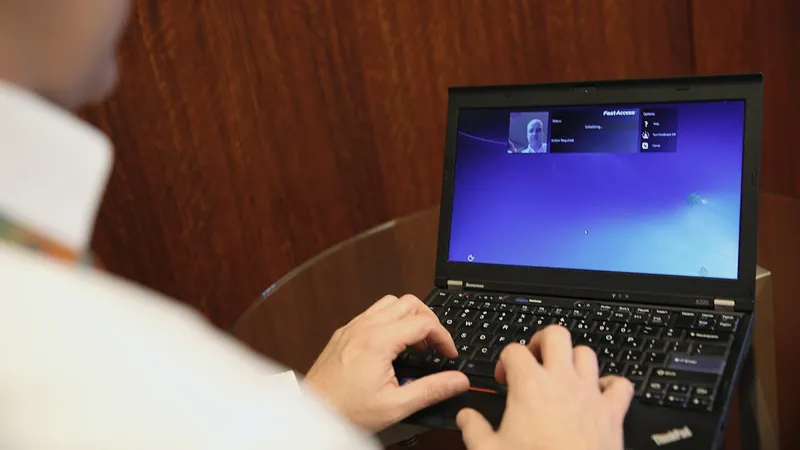
Locked out of your Microsoft 365 admin account
The admin password left with an employee or an old IT provider, or the authenticator was on a phone nobody has any more. Here is what recovery actually looks like, and how to structure admin accounts so it cannot happen twice.

Office computers running slow: what to check and who to call in Dallas
Start by finding out whether it is one computer or all of them, because that single answer sends the diagnosis in completely different directions. Here is the order to check things in, what you can do yourself, and when a slow machine is telling you it needs replacing.
Office PCs crashing or freezing: what it usually is
Crashing computers look random and almost never are. The pattern tells you the cause: one machine or many, after an update, in one application, or under load.
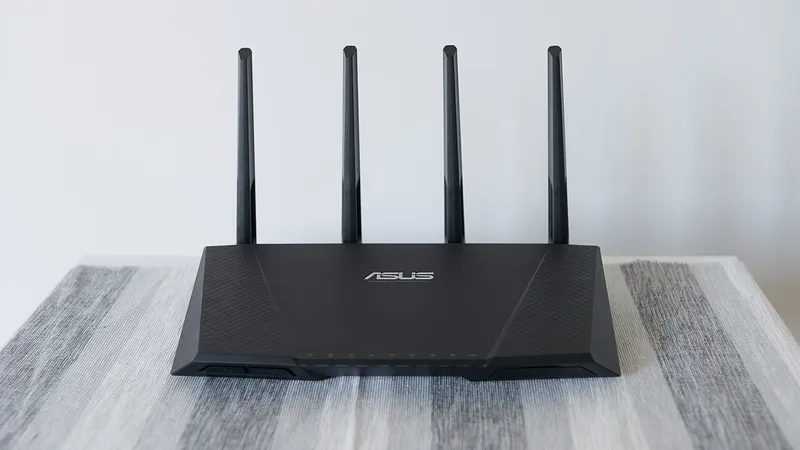
Office Wi-Fi keeps dropping: causes and fixes
Wi-Fi that drops every few minutes is almost never random. Here is how to narrow it down while people are still complaining, and what an actual fix looks like instead of another reboot.
Ransomware in a small business: what to do in the first day
If a ransom note is on the screen right now, the order you do things in decides how much you get back. Here is the first day, step by step, from isolation to backups to whether paying is ever the answer.

Someone clicked a phishing email: what to do next
How bad it is depends entirely on what happened after the click. Here is the response for each scenario, in order, and how to handle the conversation with the person who clicked.
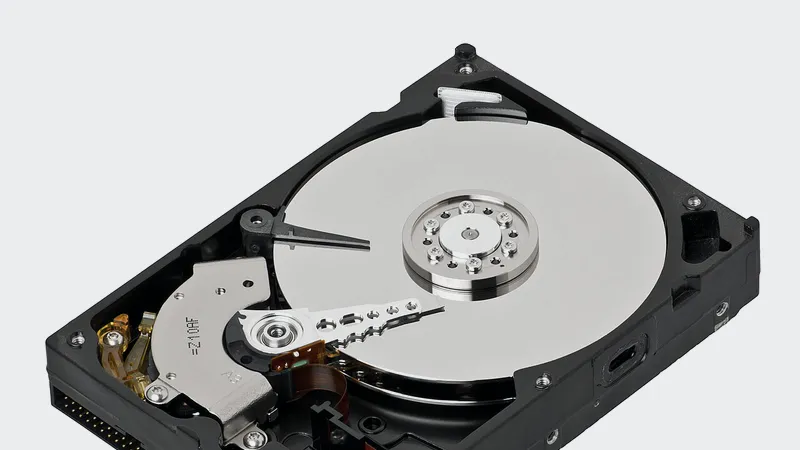
Someone deleted important files: what can be recovered?
Most deleted files are recoverable, and most of the ones that are not were lost because somebody waited. Here is where to look, in order, and how long each option stays open.
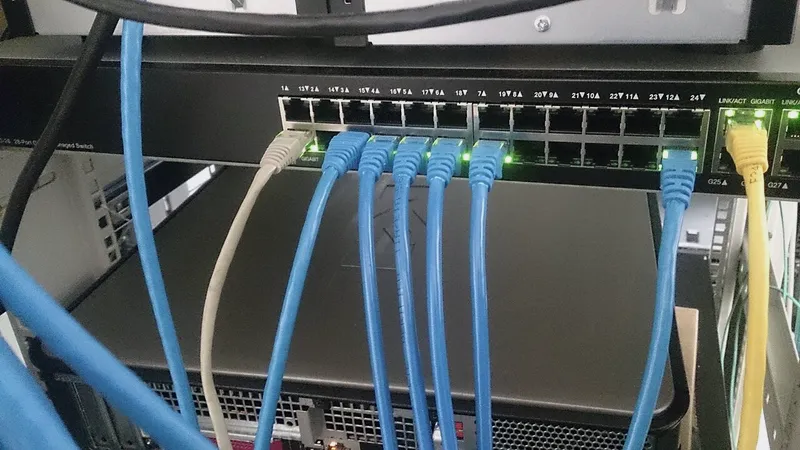
The office internet is down: is it the ISP or your network?
Before you sit on hold with the provider, five minutes of checking tells you whether the problem is theirs or yours. Here is the sequence, how to read the lights, and what to say when you call.
Have a question these did not answer?
Ask me directly. If it is a good question I will probably write the article.