
Insights · page 2
Straight answers about small-business IT in Dallas (page 2)
What things cost, what to ask, how to switch providers, how to wire an office and how to keep a dental or law practice out of trouble. Written by the person who does the work.
Results
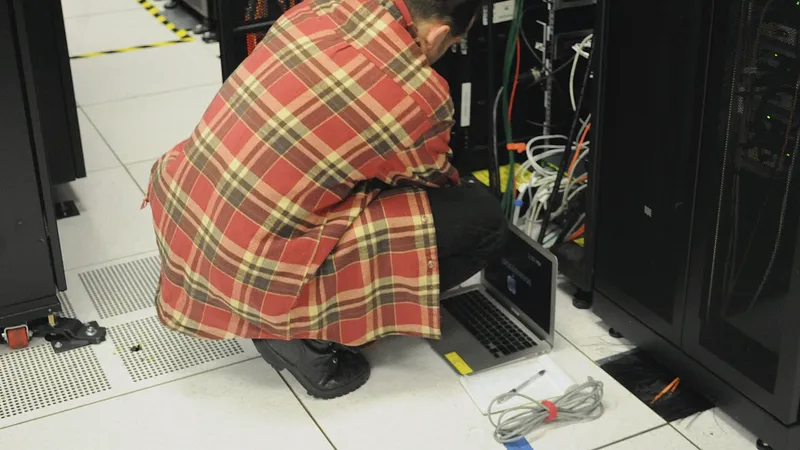
24/7 IT support in Dallas: what it really means and what it costs
Every IT company says 24/7. Here is what that phrase covers at Cross River Tech, what after-hours work costs, what counts as an emergency, and how to need it as rarely as possible.

Buying and supporting Dell and Lenovo business computers
I work with Dell and Lenovo hardware every week. Here is what to buy for an office, what to skip, and what happens between the box arriving and the computer being safe to use.
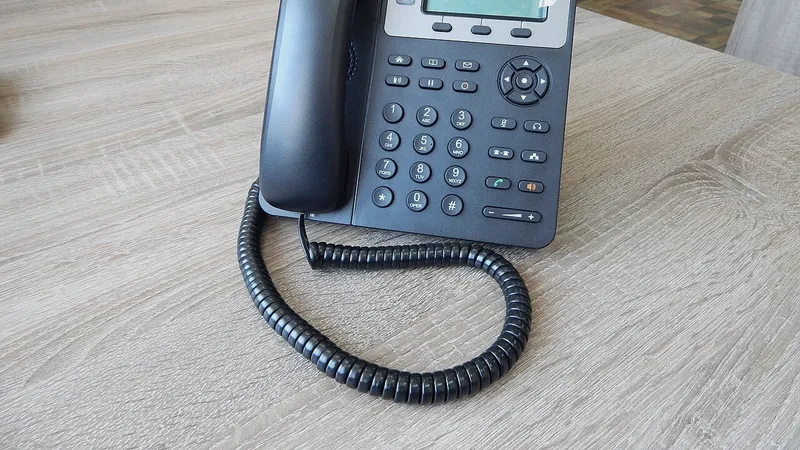
Computers and phones from one IT company
When the phones and the computers are looked after by different vendors, every problem is somebody else's fault. Here is how I handle both, what a cloud phone system involves, and how porting your number works.

IT support for hybrid and remote teams
Half your people are in the office, half are at a kitchen table. Here is how I support both without a ticket queue, and what your setup needs so remote work stops being an IT headache.

IT support without a contract in Dallas
Yes, you can get business IT help in Dallas without signing anything. Here are the published hourly rates, how a call works, and an honest look at when pay-as-you-go makes sense and when it does not.

One-time IT help setting up new computers in Dallas
You bought new computers and you want them set up properly, once, without signing anything. Here is what a real business setup includes, what it costs by the hour, and when repair is worth it.

Owner-led IT company vs a big MSP: which fits your business?
Big MSPs have a help desk and a ticket queue. At Cross River Tech you deal with me, the owner, and my team works behind me. Here is the honest case for each, including what I do not offer, so you can pick the right fit.
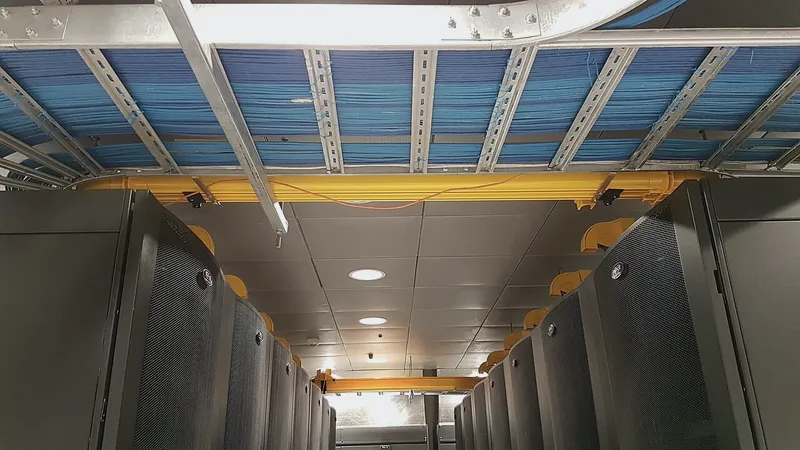
Server down? Emergency IT support in Dallas
When the server or the network goes down, you need someone who picks up, starts remotely right away, and drives over if that is what it takes. Here is how I handle emergencies and what they cost.

Starting a business in Dallas: the IT checklist
Internet, email, computers, Wi-Fi, backups, security, phones and, if you are building out, cabling. Here is the order to do it in and what each step involves, from the person who plans all of it.
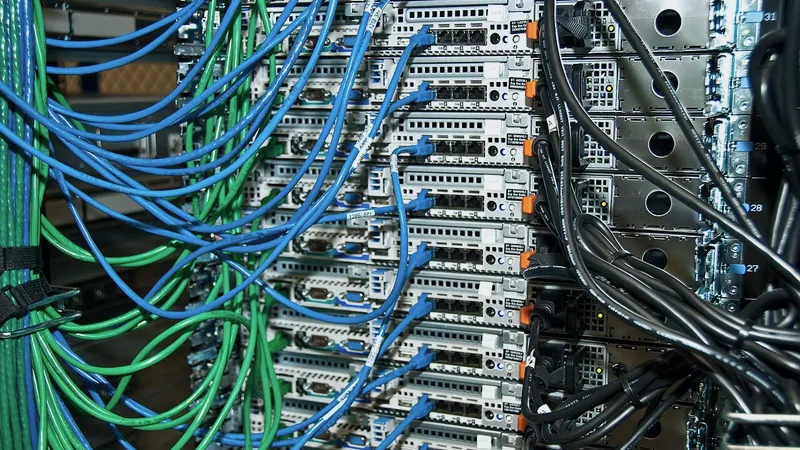
Cabling and IT support from one company: why it matters for a build-out
Most offices get their cable from one company and their network from another, and the seam between them is where problems hide. Here is what changes when the same company does both, and how a build-out runs that way.
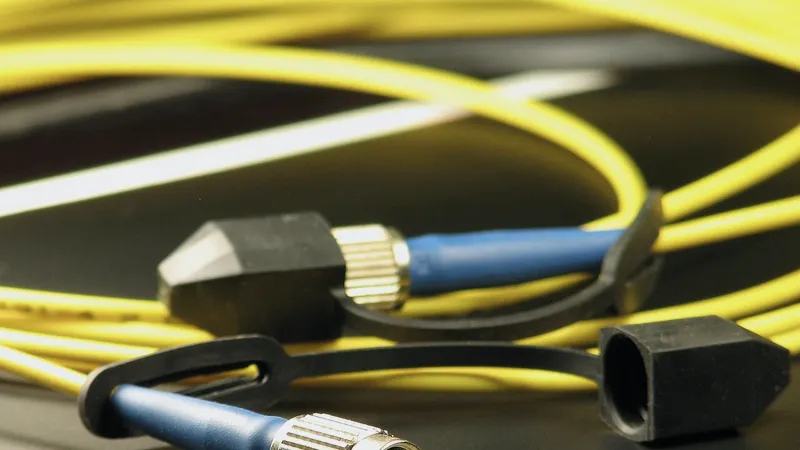
Cat6 vs Cat6a vs fiber for an office build-out
Most offices need Cat6 to the desks, Cat6a in a few specific places, and fiber only for backbone runs. Here is how I decide, what drives the cost, and what to ask an installer.
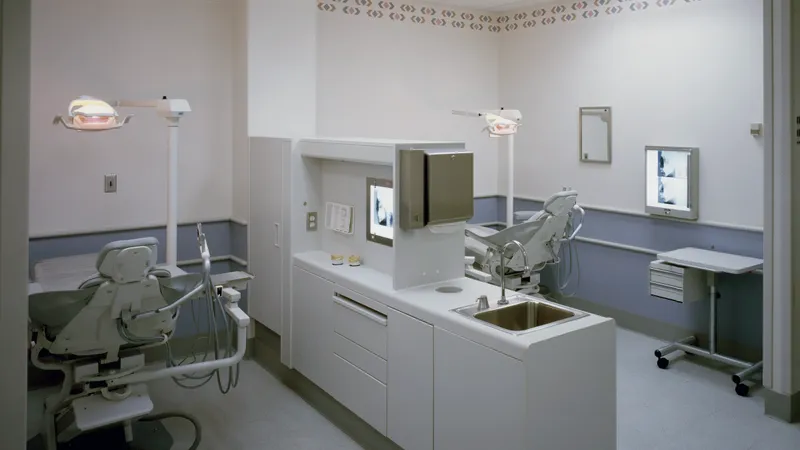
Data cabling for dental, medical and law office build-outs in Dallas
A dental operatory, an exam room and an attorney's office each need a different cable plan. Here is how I lay out drops, imaging, phones and the IT room for clinical and legal build-outs in Dallas, and how a dental office relocation runs.
Have a question these did not answer?
Ask me directly. If it is a good question I will probably write the article.